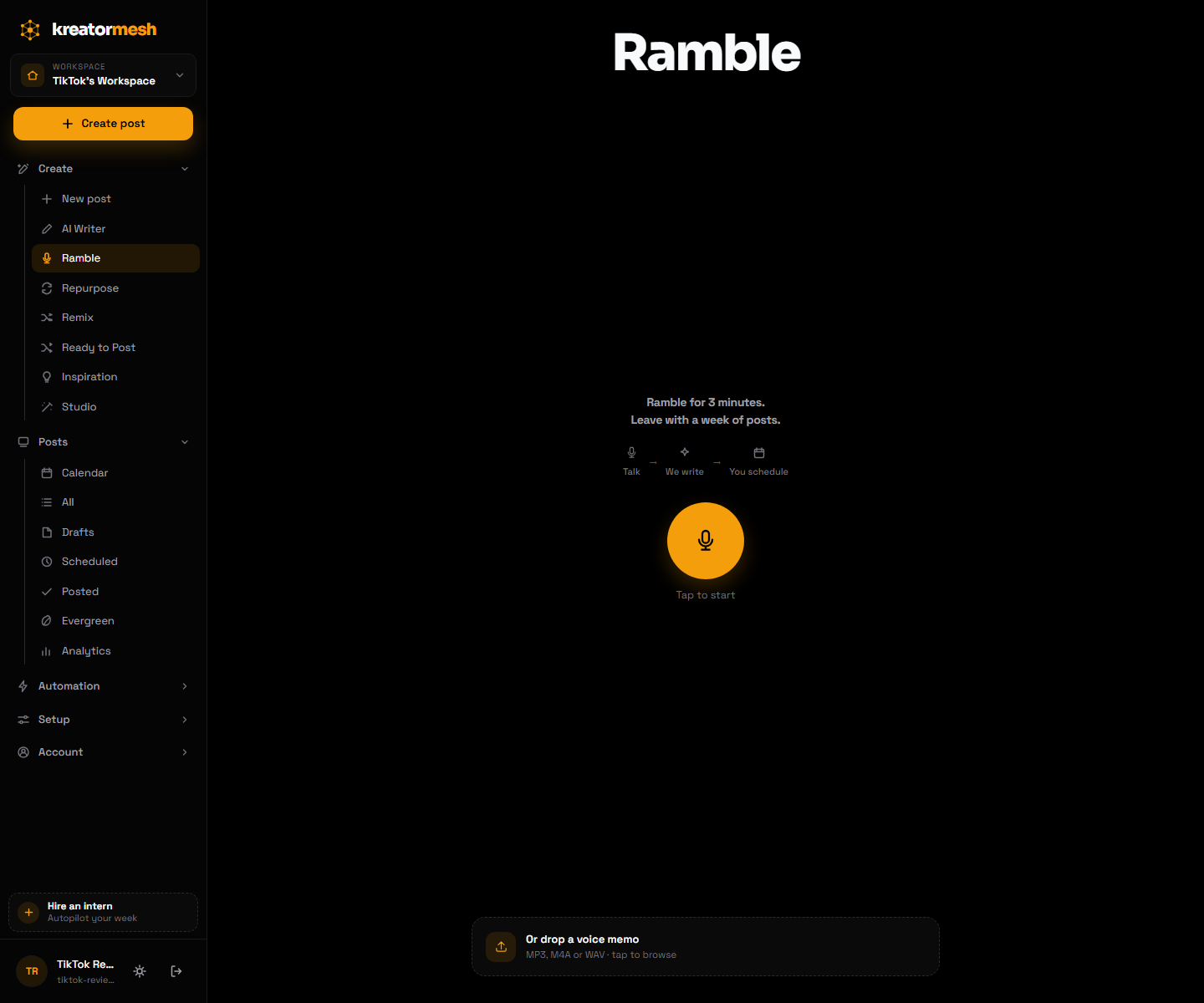
Ramble
Talk for three minutes, leave with a week of posts
The hardest part of posting consistently isn't the posting, it's facing a blank box. Ramble removes the box: you talk, and what comes back is already in your phrasing.
Talk
Hit record in the browser and think out loud, or drop in a voice memo you already made on your phone.
We write
The recording is transcribed and turned into finished posts — shaped by your saved context profile, so the result sounds like you rather than like a chatbot.
You schedule
Everything lands as drafts you can edit, approve or throw away. Nothing publishes until you say so.
Replaces: staring at a blank composer, or dictating into notes and rewriting it later.
Repurpose
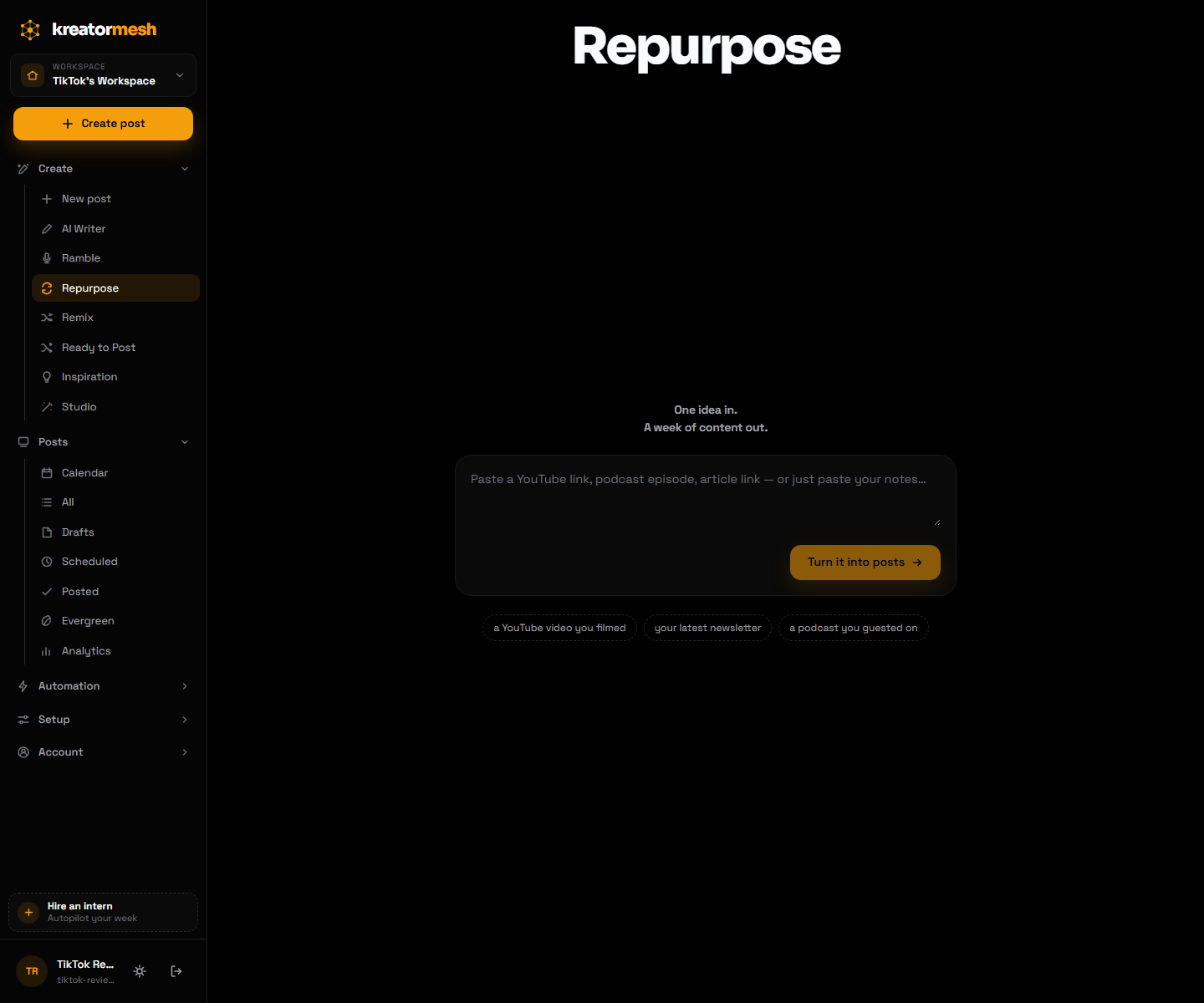
One long video becomes a month of vertical clips
If you already make long-form — a podcast, a stream, a talking-head video — the short-form content you need is inside it. Repurpose gets it out without opening an editor.
Drop in the video
Upload the recording, or point us at one you have already published.
We find the moments
The transcript is scanned for the segments that stand on their own — the ones with a hook and a payoff, not arbitrary time slices.
Clips come back cut and captioned
Each moment is produced as a vertical clip with burned-in captions, ready for Reels, Shorts and TikTok.
Review, then queue
Keep the good ones, adjust the captions, send them to the calendar.
Replaces: scrubbing a two-hour recording for clips, then cutting and captioning each one by hand.
The Intern
An agent that drafts on a schedule and files a standup
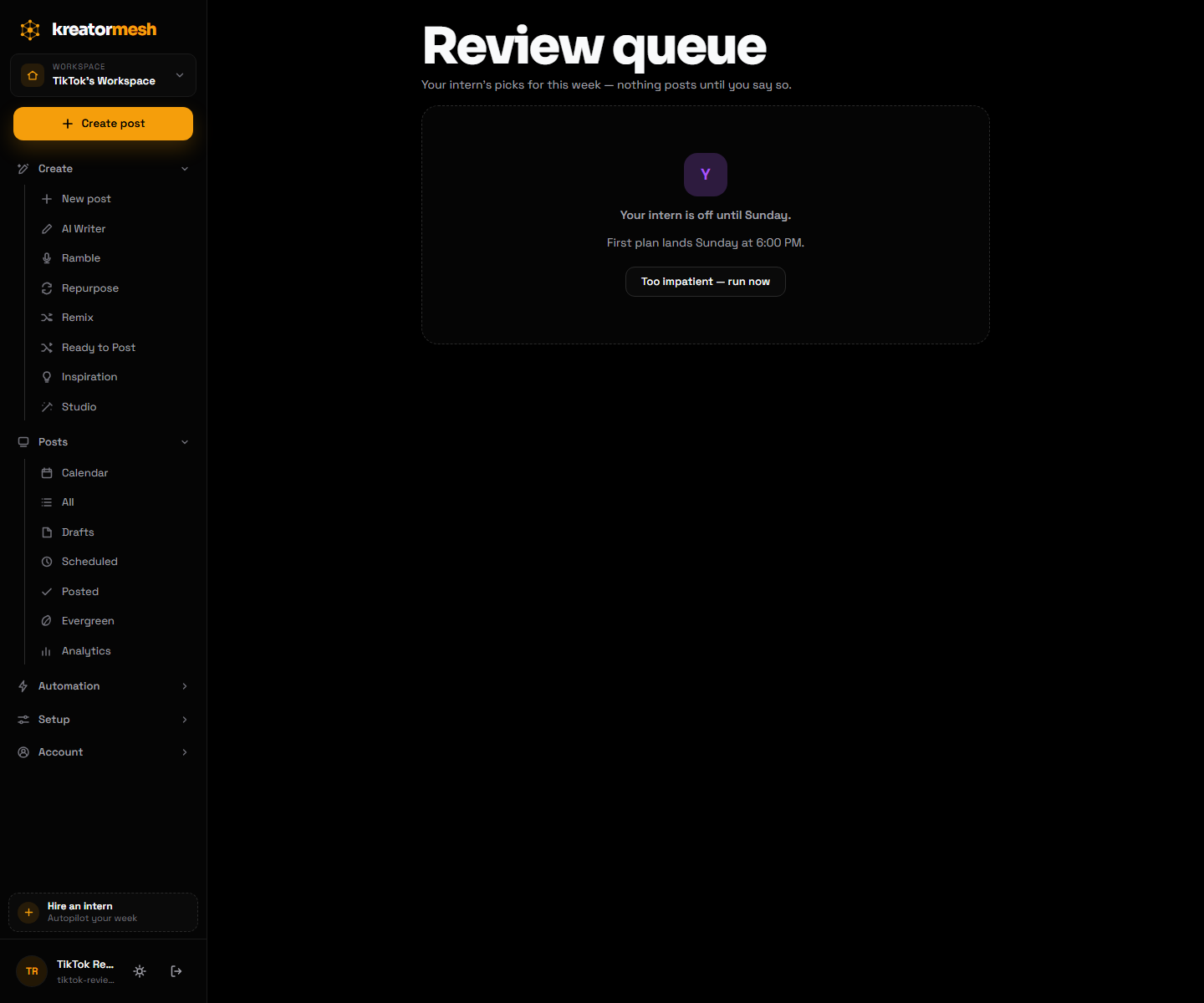
Most automation either does nothing useful or does something you'd never have approved. The Intern is built around the middle: it works on its own, but its output lands in a queue, not on your accounts.
Hire it once
Tell it what to work on and how often. It picks up your workspace context, so it drafts against the same voice profile you use everywhere else.
It works while you don’t
It drafts on its own cadence without being prompted.
You review
Everything waits in a review queue. Approve, edit or discard — nothing reaches a network unreviewed.
It reports back
A standup summarises what it did and what needs you, so you always know what happened while you were away.
Replaces: the recurring calendar block where you sit down and force out a batch of posts.
Scout
Give it a goal, it goes looking for the material
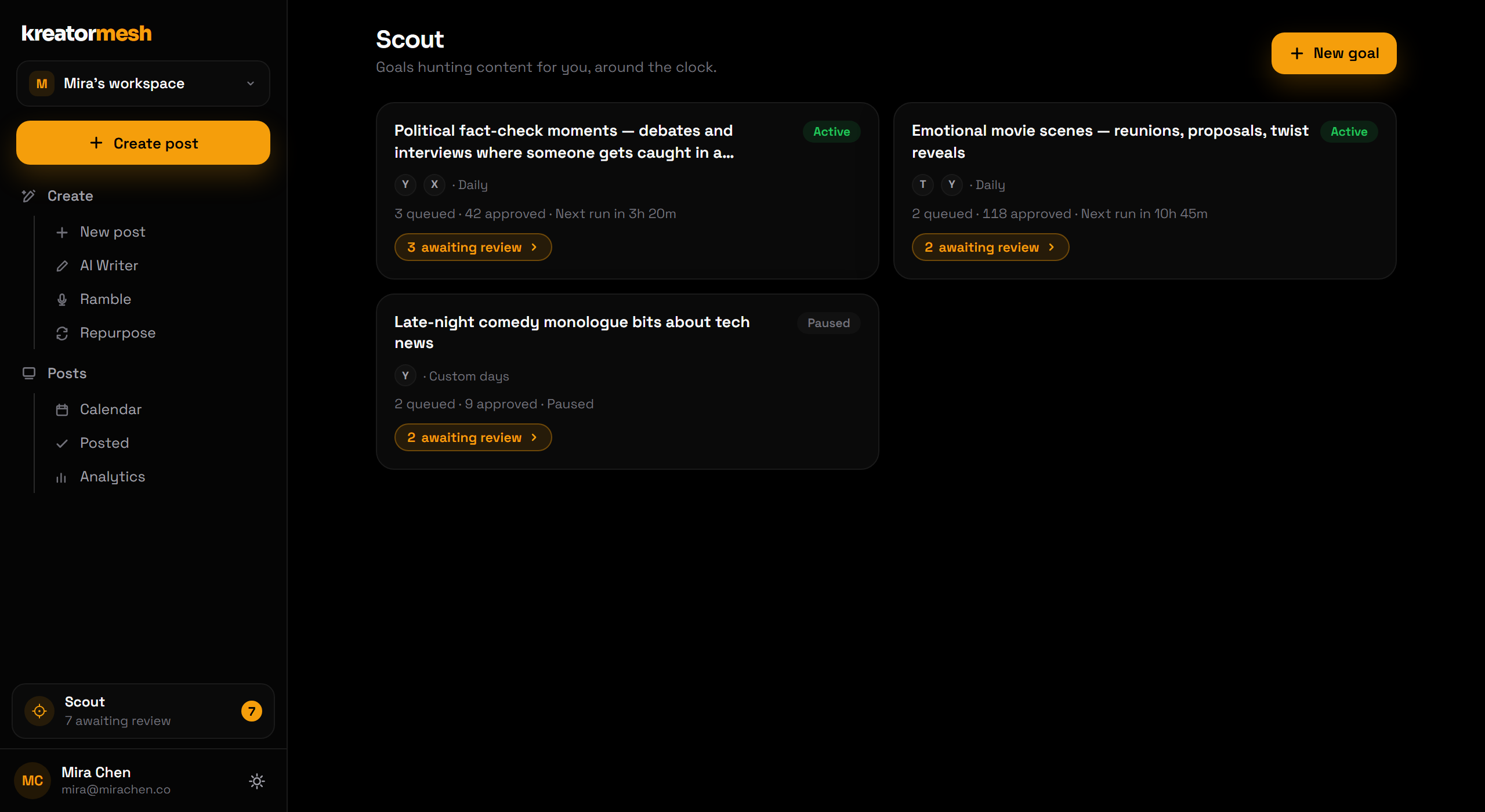
Repurpose works on video you already have. Scout is for when you don’t — you describe the kind of content you want to be making, and it goes and finds source material worth clipping.
Describe the goal
Write what you are hunting for in plain language, pick the platforms it should target, and set how often it should run.
It runs on a schedule
Daily or on custom days, around the clock — each run looks for fresh source material matching the goal.
It proposes cuts
Candidates arrive as proposed clips against the goal that produced them, with a count of what is waiting on you.
Nothing ships unapproved
Approve what earns it and it goes to the calendar. Pause a goal any time without losing its history.
Replaces: manually trawling for source content, and the guilt of a content calendar with nothing in it.
Direct
Bring your own links — skip the upload entirely
If your video already exists somewhere, re-uploading it to another tool is pure friction. Direct takes the link instead.
Paste the links
Give us the URLs of the videos you want out. No downloading to your machine, no re-uploading.
We render per destination
Each destination gets what it actually needs, rendered once and shared across the batch rather than re-encoded per platform.
You choose visibility
Per-platform settings are yours to set — including TikTok visibility, which we make you choose rather than picking for you.
Publish or queue
Send the batch out now, or put it on the calendar with everything else.
Replaces: downloading your own videos to re-upload them, and hand-encoding a version per platform.
Evergreen
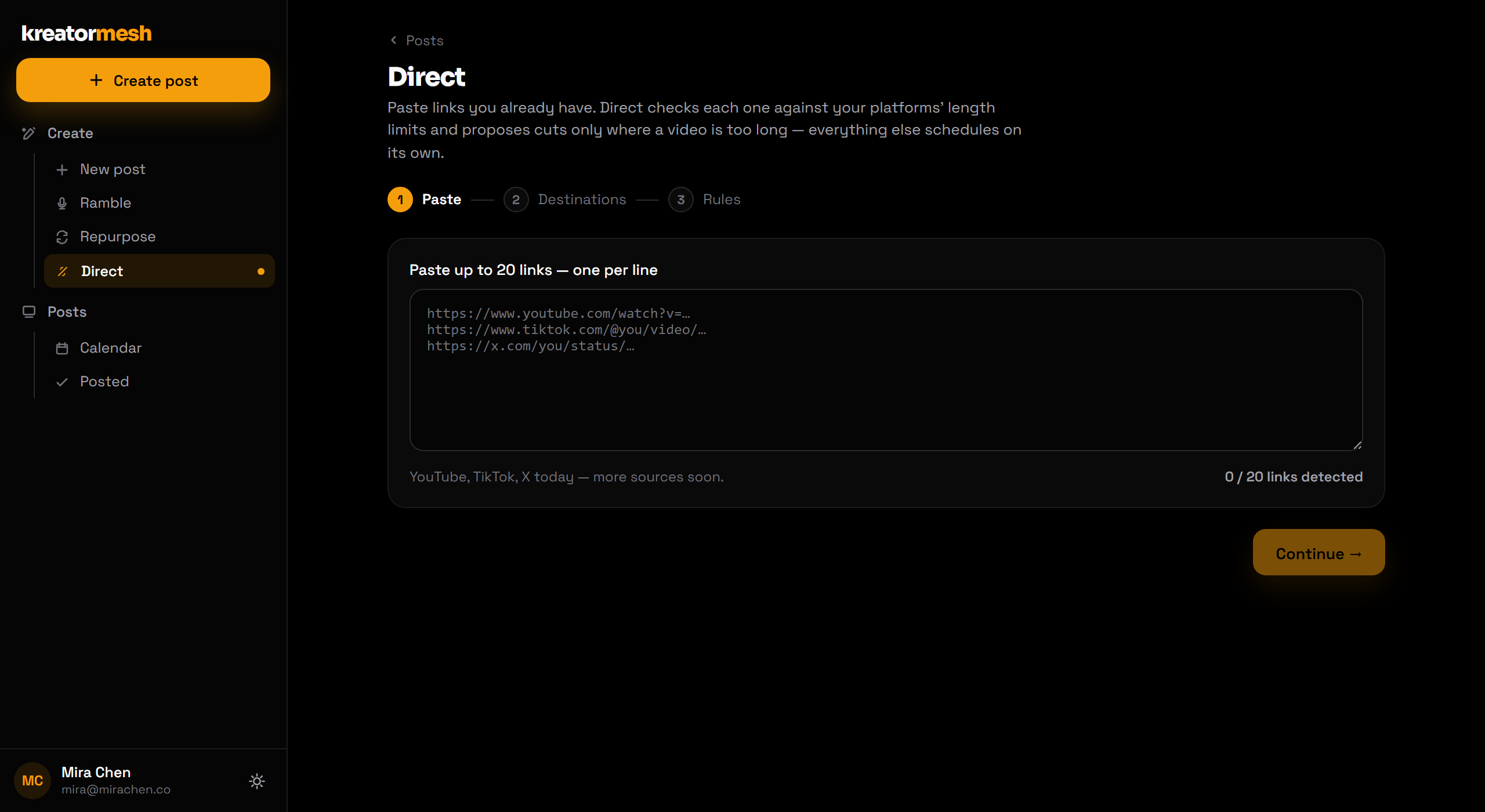
Your best posts come back on their own
A post that did well is an asset, and most tools treat it as disposable. Evergreen keeps your proven posts in circulation without making your feed look like a loop.
Mark a post evergreen
Any published post can join the library — usually the ones that clearly outperformed.
It re-enters the calendar
Recycled posts come back around automatically, so gaps in your schedule fill themselves.
Spacing keeps it honest
Rules control how often anything can reappear, so a recycled post never reads as a repeat to the same audience.
Retire it any time
Pull a post out of rotation the moment it stops being true or stops working.
Replaces: good posts dying after one run, and manually digging through old content to repost it.
Link in bio
One link in your profile, and you can see what it does
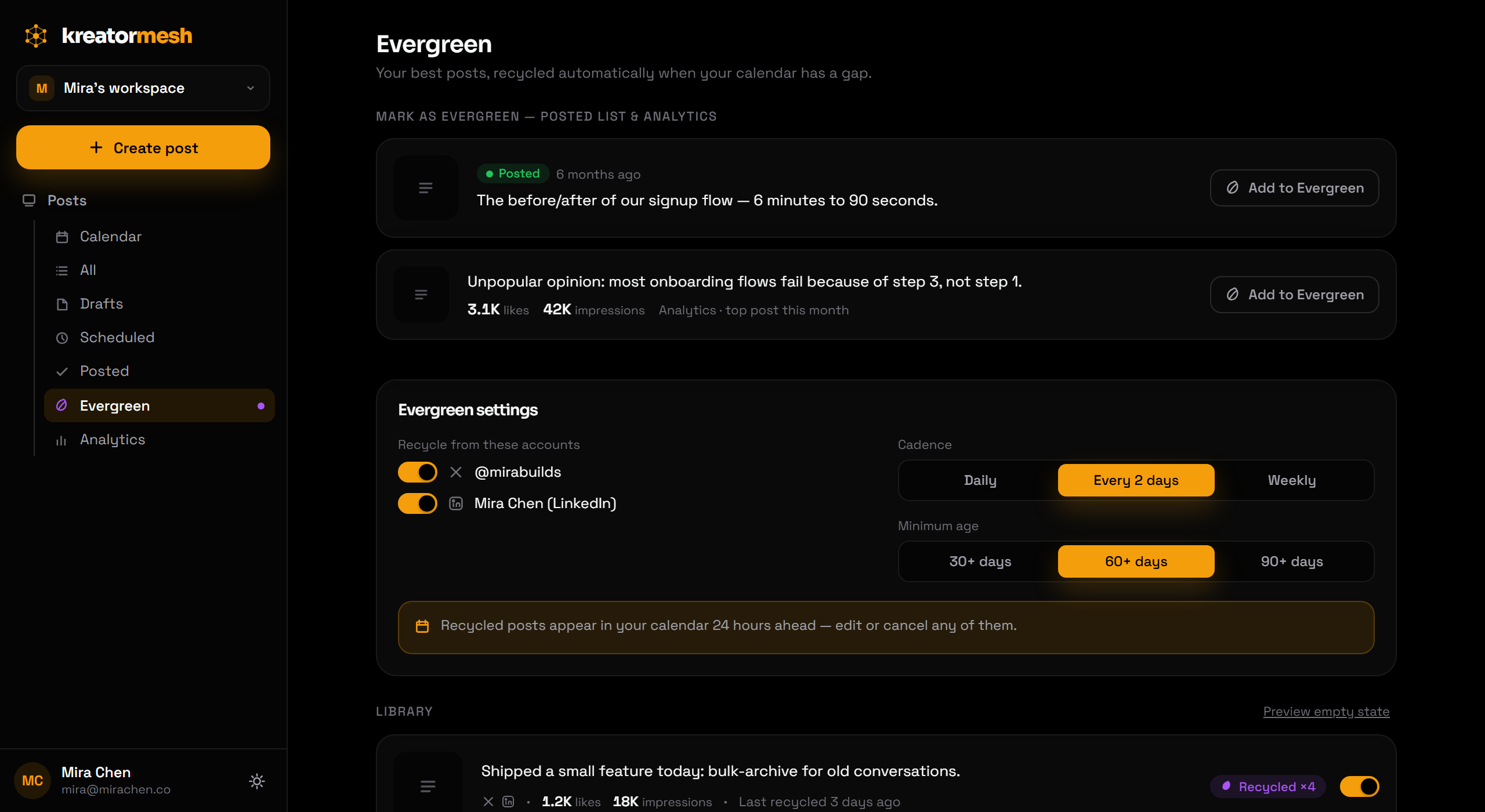
Your profile allows one link, and it is where a viewer goes when a post made them want more. Most bio pages tell you how many people visited. This one tells you which app sent them and which link they tapped, so you know whether the course, the newsletter or the free download is pulling its weight.
Pick your address
Your page lives at kreatormesh.com/@yourname. Add a name, a short bio, a photo and your colours.
Add your links and star the offer
Put the one that matters most first and star it, so it stands out in your colour. Hide or reorder links any time.
Paste it into your profiles
The same address goes into TikTok, Instagram, YouTube and anywhere else. The page is a few kilobytes, so it opens instantly inside the apps’ own browsers.
Read the numbers
Every tap is counted per link, per app and per country, for the last 30 days. Link previews and bots are left out, and no cookies or IP addresses are stored.
Replaces: a separate link-in-bio subscription, and guessing which platform actually sends you buyers.
Composer
One idea, tailored per platform, previewed before it ships
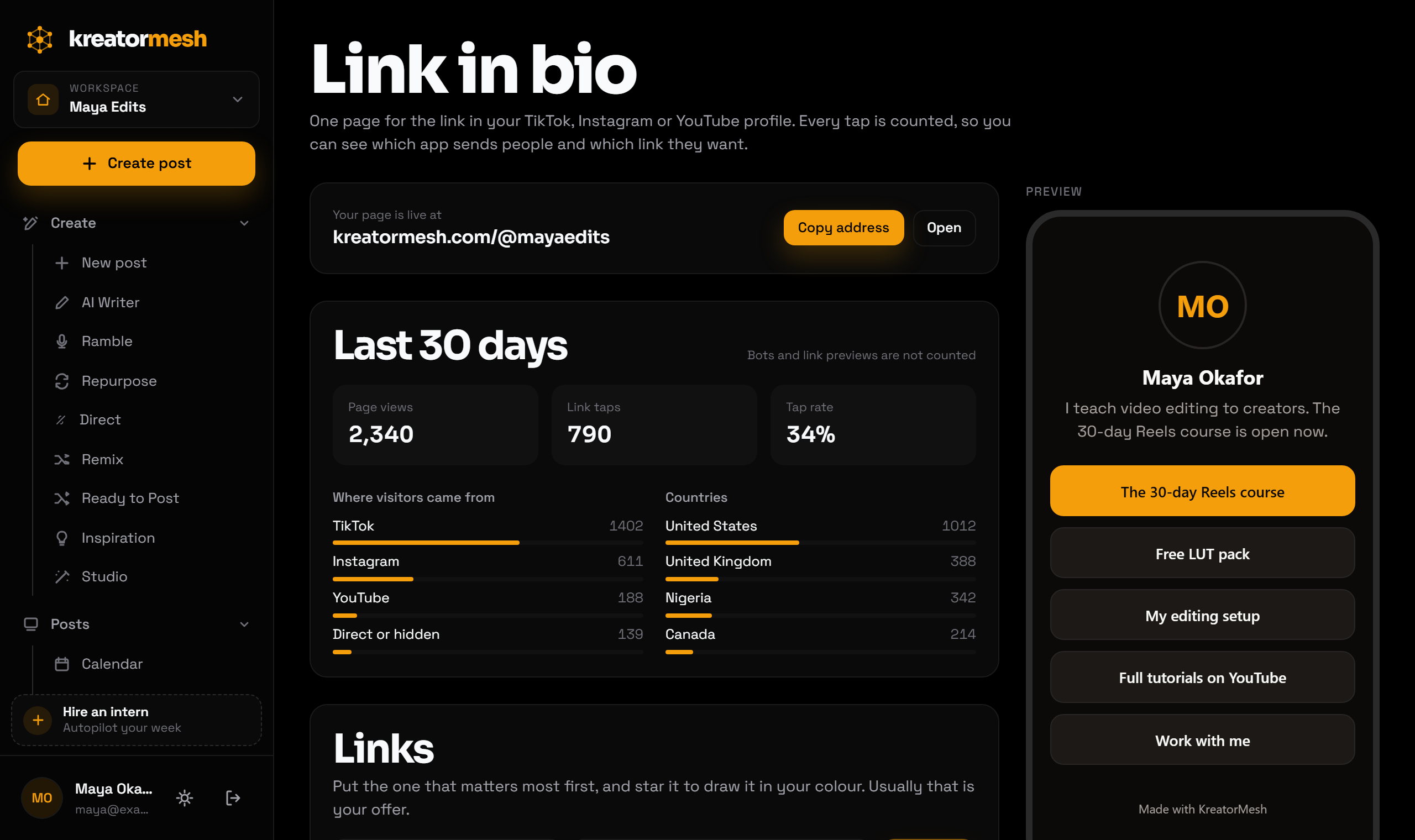
Everything above eventually lands here. The composer is where a post becomes final — and where you see exactly what each network will show before anything goes out.
Write once
Start from a draft, a clip or a blank post, and pick the accounts it should go to.
Tailor per platform
Captions, hashtags, covers and platform-specific options can differ per destination without maintaining separate posts.
Preview every destination
A live preview shows how the post will actually look on each network, so you catch the truncated caption before your audience does.
Ship on time, with retries
Publishing runs on a background engine. If a network hiccups it retries by itself; if it truly fails, the post surfaces with the reason instead of disappearing.
Replaces: posting the same thing five times in five apps, and finding out later that one of them failed.
Everything holding it together
The parts you stop noticing once they work.
Visual calendar
See every channel on one calendar. Drag a post to move it and the queue reorders itself around the change.
Bulk scheduling
Queue weeks of content in a single pass instead of scheduling posts one at a time.
AI writer & voice
A saved context profile per workspace — who you are, who you are talking to, how you write — so every draft starts from your voice instead of a generic house style.
Remix & inspiration
Turn one post into several variations to test angles, and pull ideas from what is already working in your niche.
Conditional follow-ups
Queue a follow-up that only fires if the first post earns it — "when this hits 500 likes, post the thread."
Unified analytics
Performance across every connected channel and post in one view, so you can tell which formats and times actually land.
Workspaces per brand
Each brand or client gets its own workspace with separate connected accounts, context profile and calendar. Nothing bleeds between them.
Built to stay reliable
Connections use OAuth and the tokens are stored encrypted. Publishing runs in the background with automatic retries, and failures surface clearly rather than vanishing.
Connect once, publish anywhere
Each account is linked with its own secure OAuth connection — you authorise on the network itself, so we never see your password. You can connect more than one account per platform.
See it on your own accounts
Connect a network and publish your first post in minutes — every plan starts with a free trial.